Real-time messaging
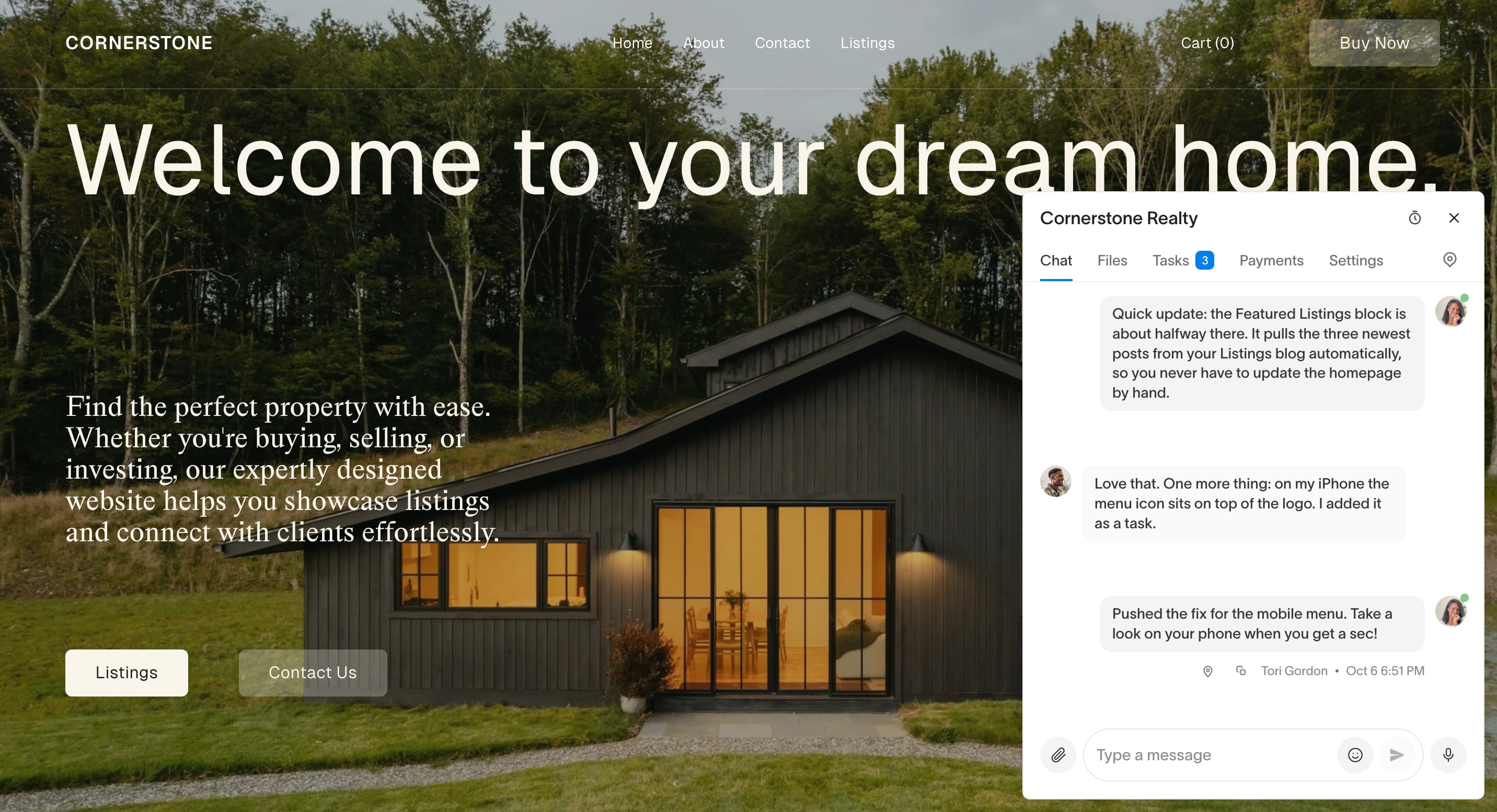
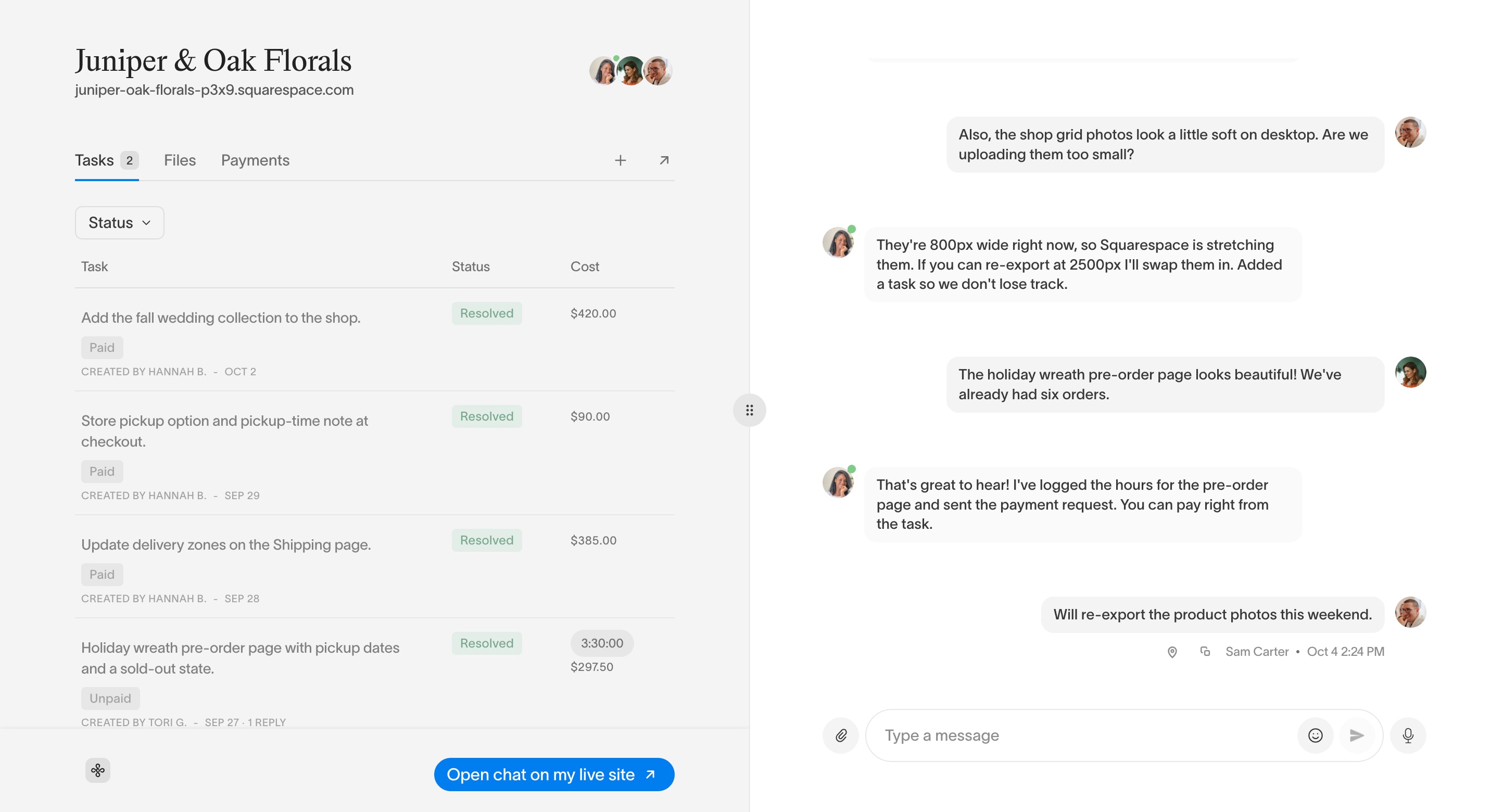
Squarepaste delivers messages between you and your clients within seconds. They show up on both sides without anyone refreshing the page.
Real-time messaging
Fast Delivery
When you send a message from your Squarepaste dashboard, it shows up within seconds in the Squarepaste widget and on the project's chat page. When a client sends a message, it appears in your dashboard straight away.
Message History
Every message is saved in your Squarepaste dashboard:
- Each project has one chat for you and everyone you have invited to it, with its history from the last 180 days (older messages and files are removed automatically)
- You can export the full transcript from Chat transcript in the project's Actions tab
Multiple Projects
Squarepaste keeps each project's chat separate:
- Open any project to see its chat
- The Projects page shows unread messages on every project card, so you can see where to reply first