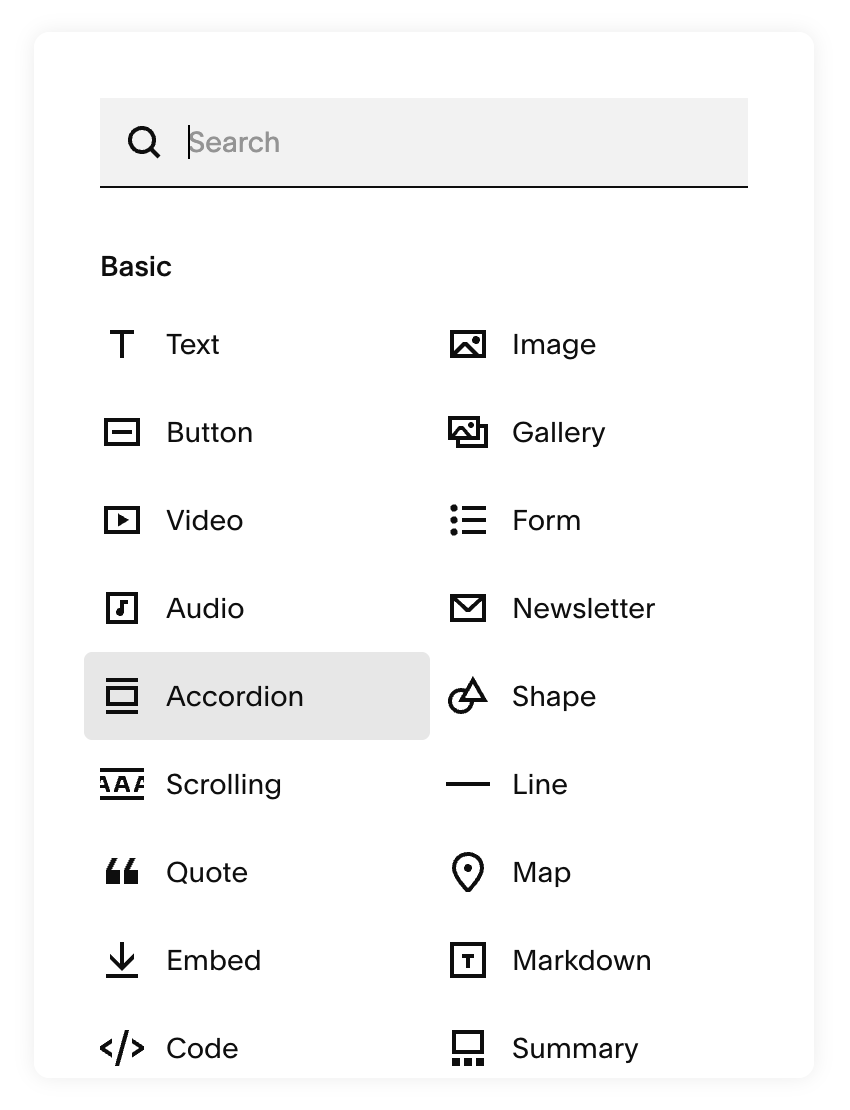
Accordion functionality on a Squarespace website offers significant benefits for product presentation. By organizing information into expandable sections, it allows for a streamlined user experience that facilitates easy navigation, helping visitors find relevant details quickly.
1. Add an accordion block into the product’s additional information section.
2. Add a code block below the accordion block.
3. Copy and paste the code below into a code block.
<script src="https://code.jquery.com/jquery-3.7.1.min.js"></script>
<script>$(".accordion-block").appendTo(".ProductItem-details-excerpt-below-price, .ProductItem-details-excerpt");</script>