A Filestage alternative for Squarespace sites.
Filestage runs formal review and approval rounds on files, video and web pages. Squarepaste handles the everyday back-and-forth on the client’s own Squarespace site, from inside their editor, and the payment for the work it leads to.
Squarepaste and Filestage, Side by Side
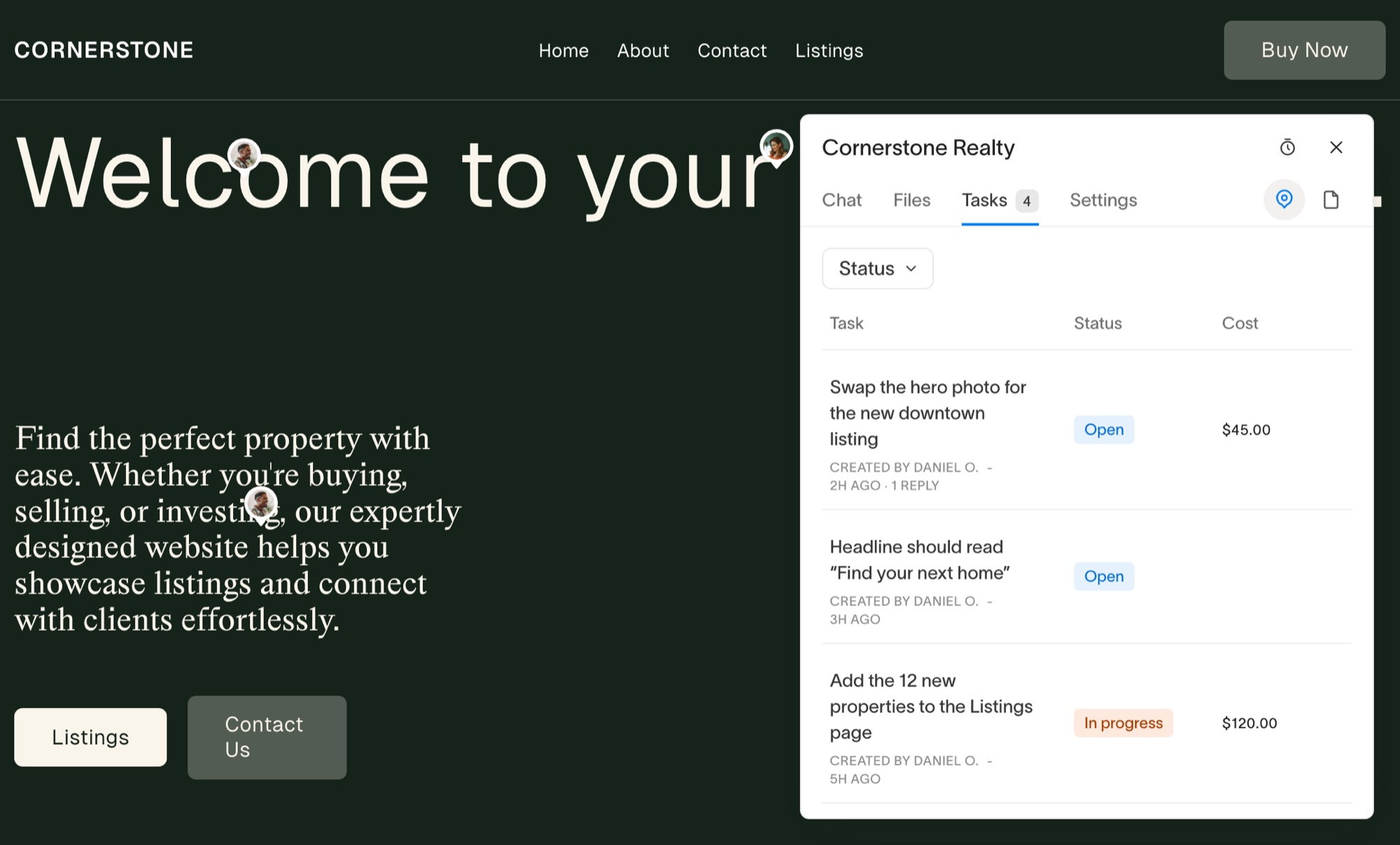
Filestage is a proofing platform: you upload documents, video or web pages, invite reviewers to each step, and collect comments and approvals until a version is signed off. Squarepaste is narrower on purpose. Nothing is uploaded: your client gives feedback on the live Squarespace site, talks to you in the project’s chat, and pays for billable tasks in the same place.
Filestage details describe how the product works and is sold, from filestage.io. Prices are not quoted; check filestage.io for current plans.
Why Squarespace Designers Choose Squarepaste
Feedback on the real site, not a proof
There’s no version to upload and no review round to set up. Your client pins a comment to the page they’re looking at in their own Squarespace editor, and it arrives as a task.
Built for the everyday back-and-forth
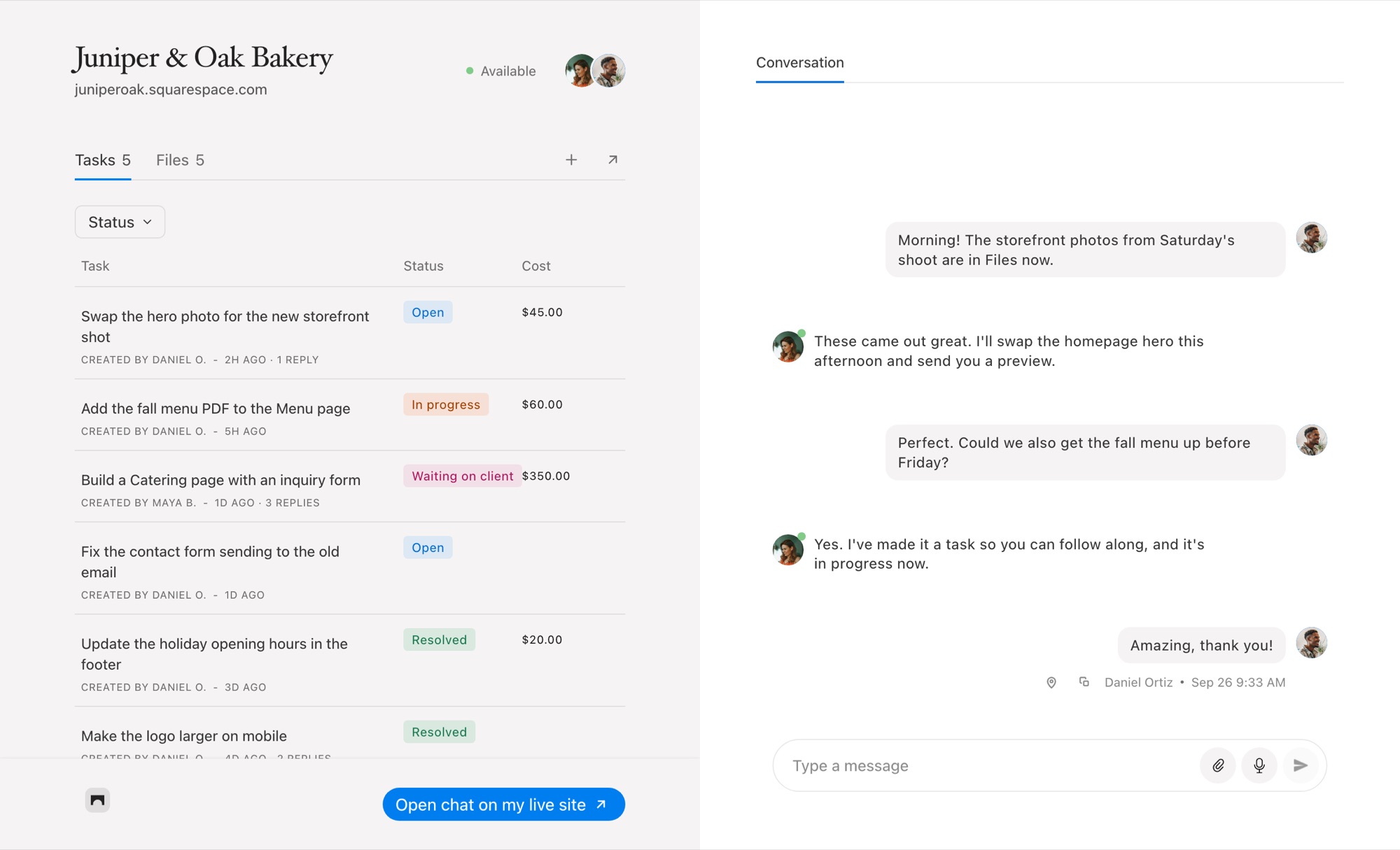
Formal approval rounds suit launches. Most client work is smaller: a question, a new photo, a change of heart. Squarepaste keeps all of it in one chat beside the project’s tasks.
Payment is part of the task
Price a task and your client pays it from the task, through your own Stripe account. See how client payments work.
When Filestage Is the Better Choice
Choose Filestage if you proof a lot of non-web work – video, PDFs, documents – or if your projects need formal, multi-step approval with a record of who signed off on which version.
If the work is a Squarespace site and the feedback comes from the client who owns it, Squarepaste is the better fit.
Common Questions
How does Squarepaste compare to Filestage?
Filestage is an approval platform for many file types. Squarepaste works inside your client’s own Squarespace editor, focused on feedback, chat, tasks and payment, with plans from $19 a month.
Can I run approval rounds in Squarepaste?
Not as a formal workflow. Tasks are open or resolved, and the conversation around them stays in the project’s chat.
Can clients review PDFs or videos in Squarepaste?
They can share files in the chat, but Squarepaste doesn’t proof them. Pinned feedback is for pages on the Squarespace site.



Chat directly
on Squarespace.
Squarepaste helps you stay connected with the clients you manage. Chat directly and make every conversation count.