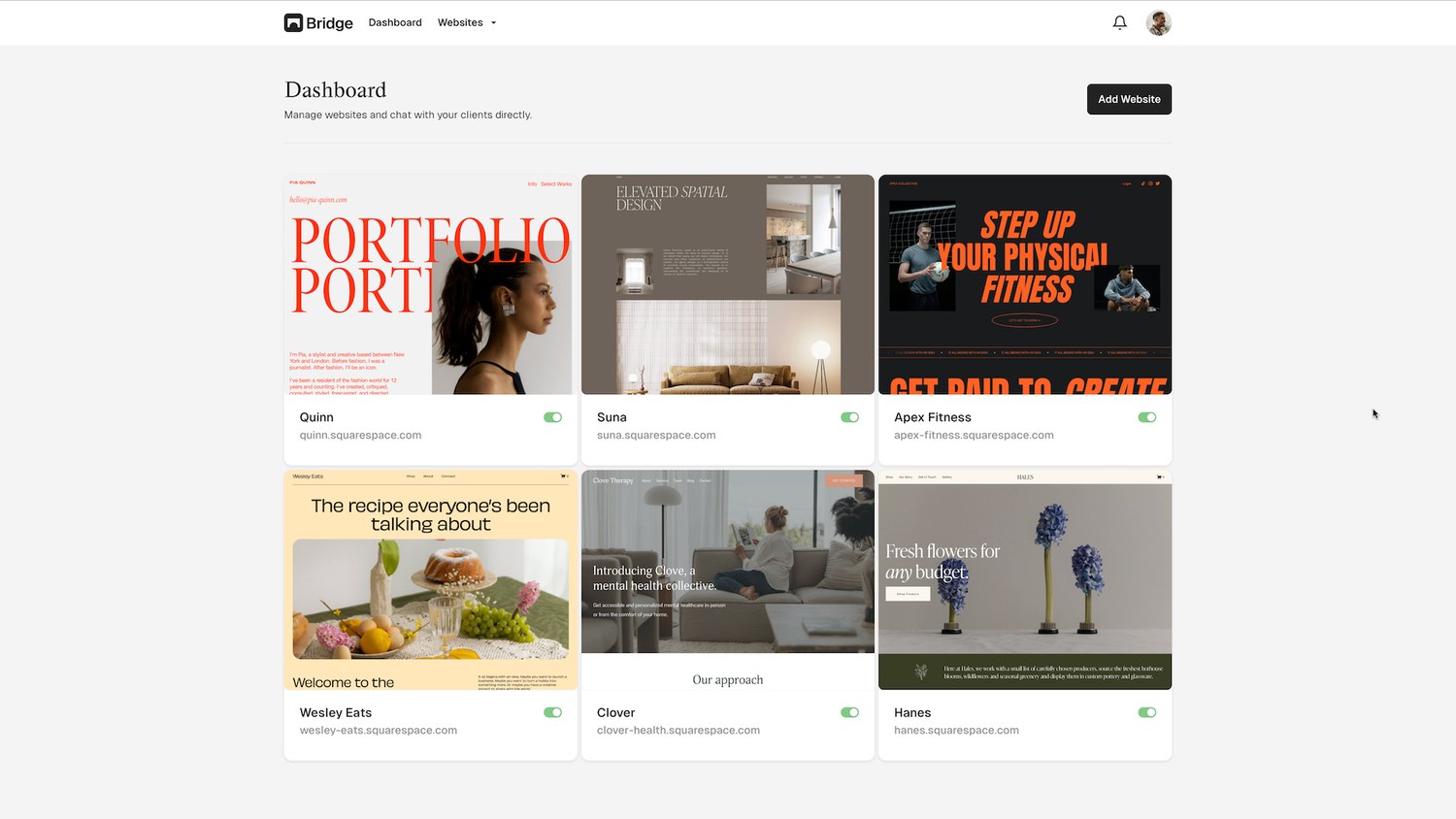

Yes, everyone. This is not a drill. Squarespace has recently released a new version, 7.1.
What’s so special about Squarespace 7.1? Templates have become extinct. Wh-what do you mean? What about Brine? What about Mojave? It’s a tough pill to swallow, but they’re not here anymore.
New page layout options
You’ll find that Squarespace increased page layout options. When adding a page, you can select a Blank Page or a Page Layout. The great thing about page layouts is of course the fact that you don’t have to assemble blocks. Don’t judge us, we don’t count that as being lazy.
The page layout options are:
- General
- Appointments
- About
- Contact
- Services
- Gallery
- Team
- Reviews
- Menu
- RSVP
- FAQs
- Privacy Policy
- Terms of Service
Different design options
A more precise selection of design options are available. Specifically these are:
- Fonts
- Colors
- Buttons
- Spacing
What this means for plugins and add-ons
Now, as Squarepaste, it’s imperative that we talk about what this means for plugins and addons. Duh, right? Well, Squarespace has removed Developer Mode for version 7.1, but all blocks still have the same class names. That means most JavaScript and CSS should still work correctly.
Currently, we’re working to make all Squarepaste plugins compatible with Squarespace 7.1.
In the meantime, take a gander at all our other plugins at the Squarepaste Shop page.